RailDesk is your personal train ticket manager — log every booking, track PNR & waitlist status, and get reminded before the 60-day booking window opens, before Tatkal, and before you travel.
Screenshots
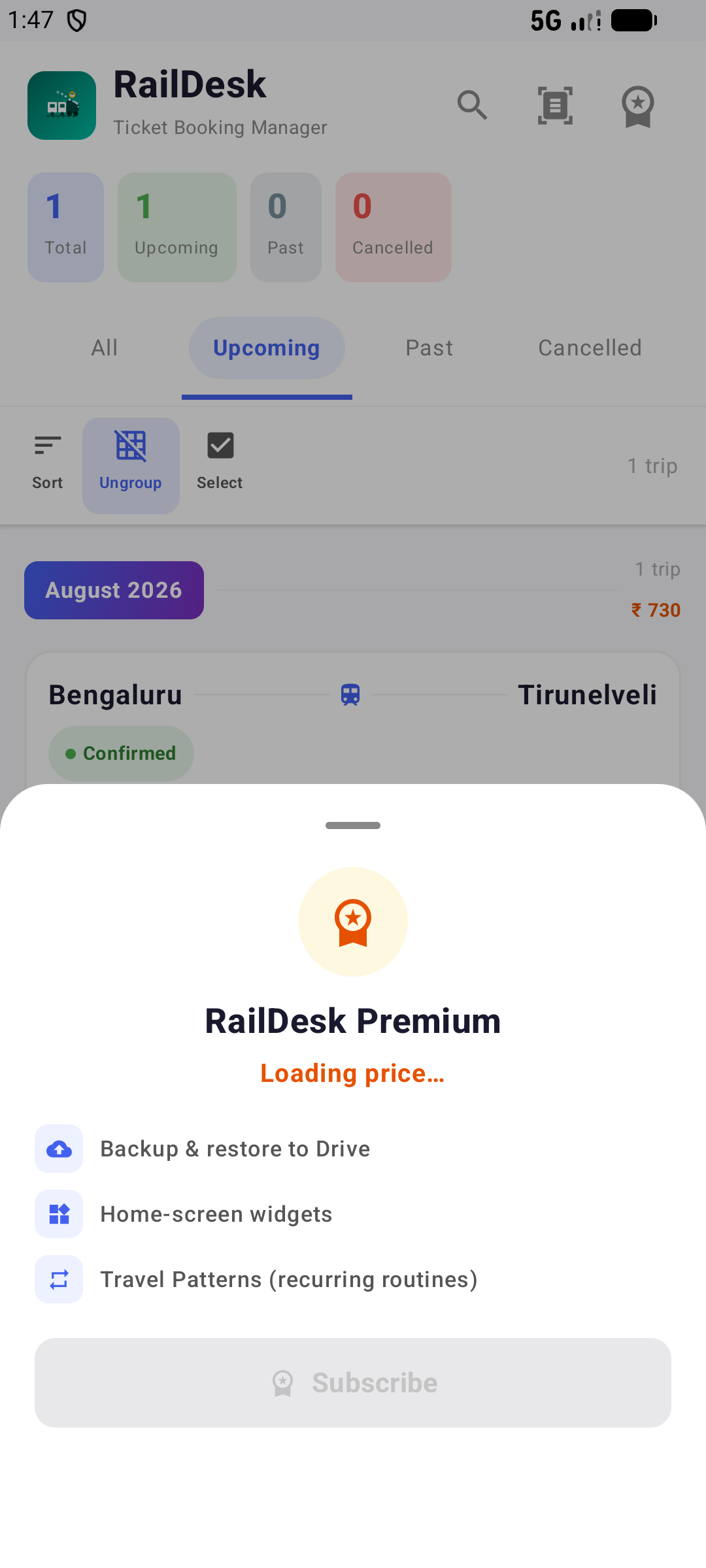
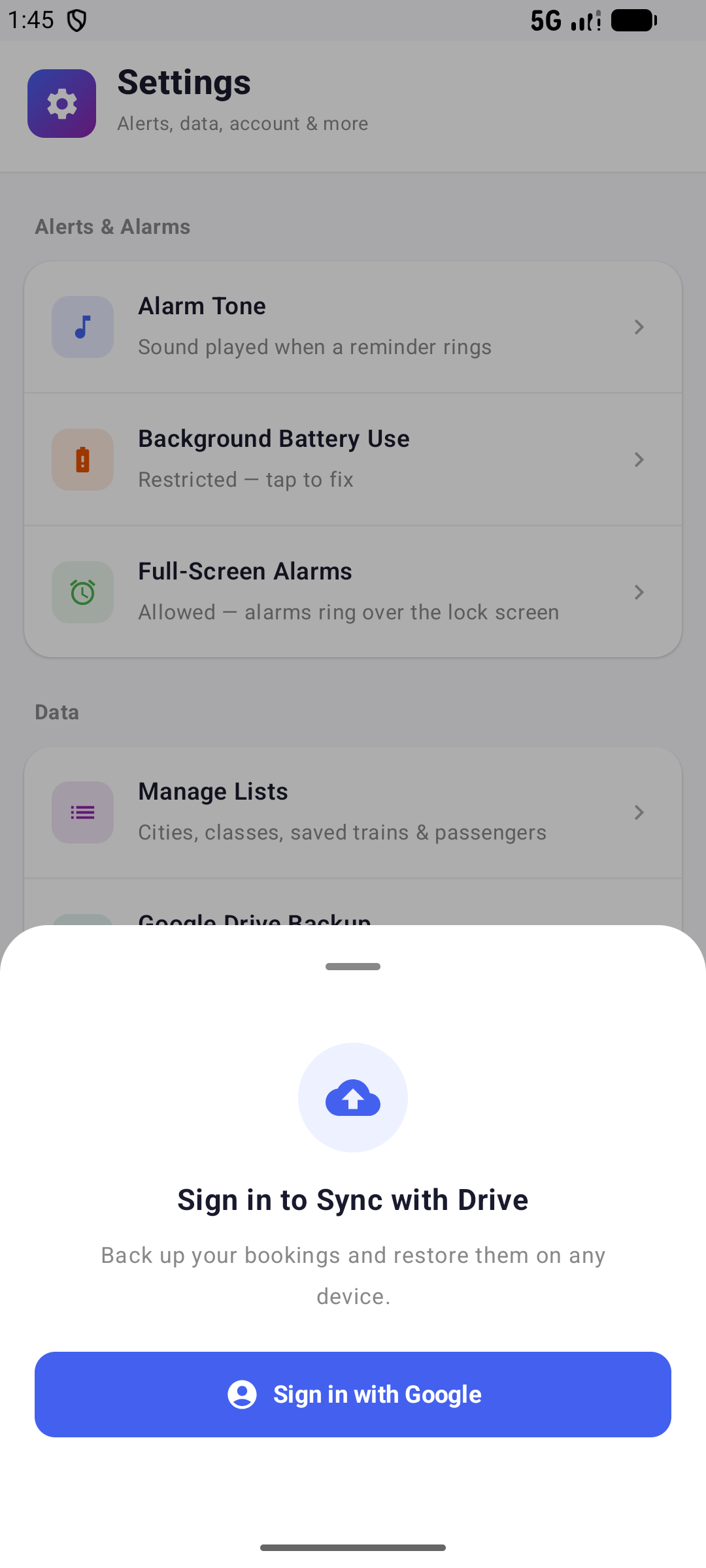
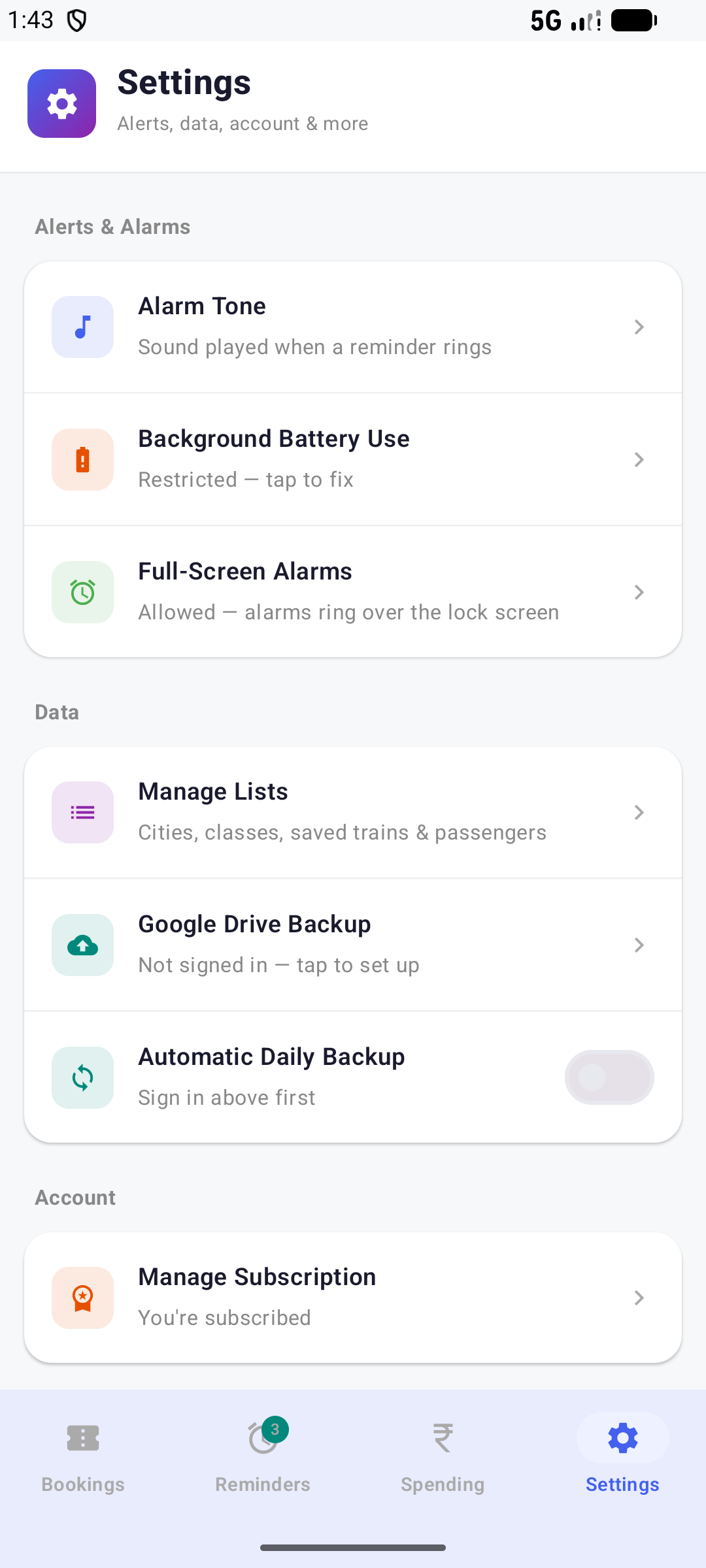
Real screens from the app — bookings, reminders, travel patterns, spending, settings, and the premium and Drive-sync flows.
Core Features
RailDesk replaces the scattered SMS confirmations, screenshots, and sticky notes with one organized log of every trip — free to use, no account required.
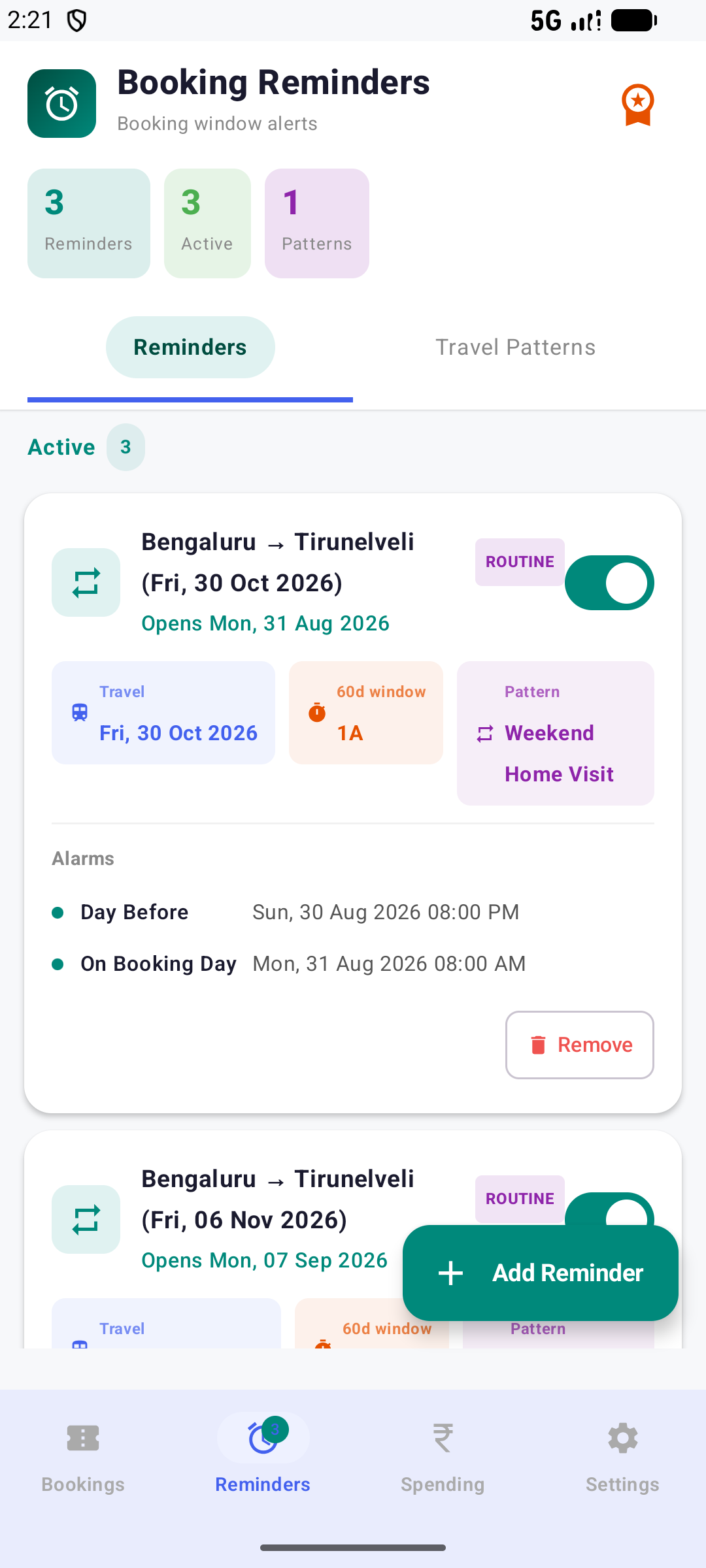
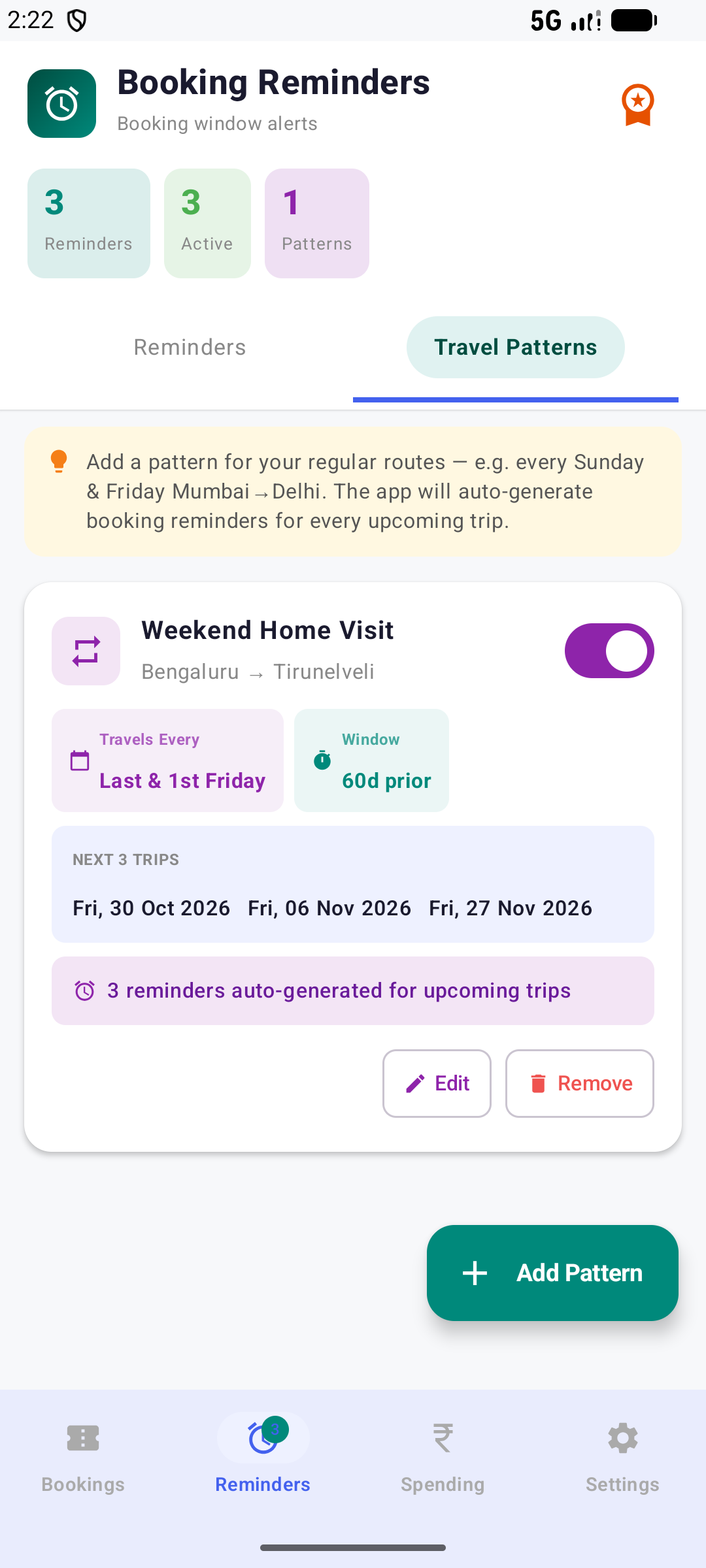
RailDesk tracks the general-quota booking window for every trip and alerts you the moment it opens — plus Tatkal-day and journey-day reminders with a full-screen alarm.
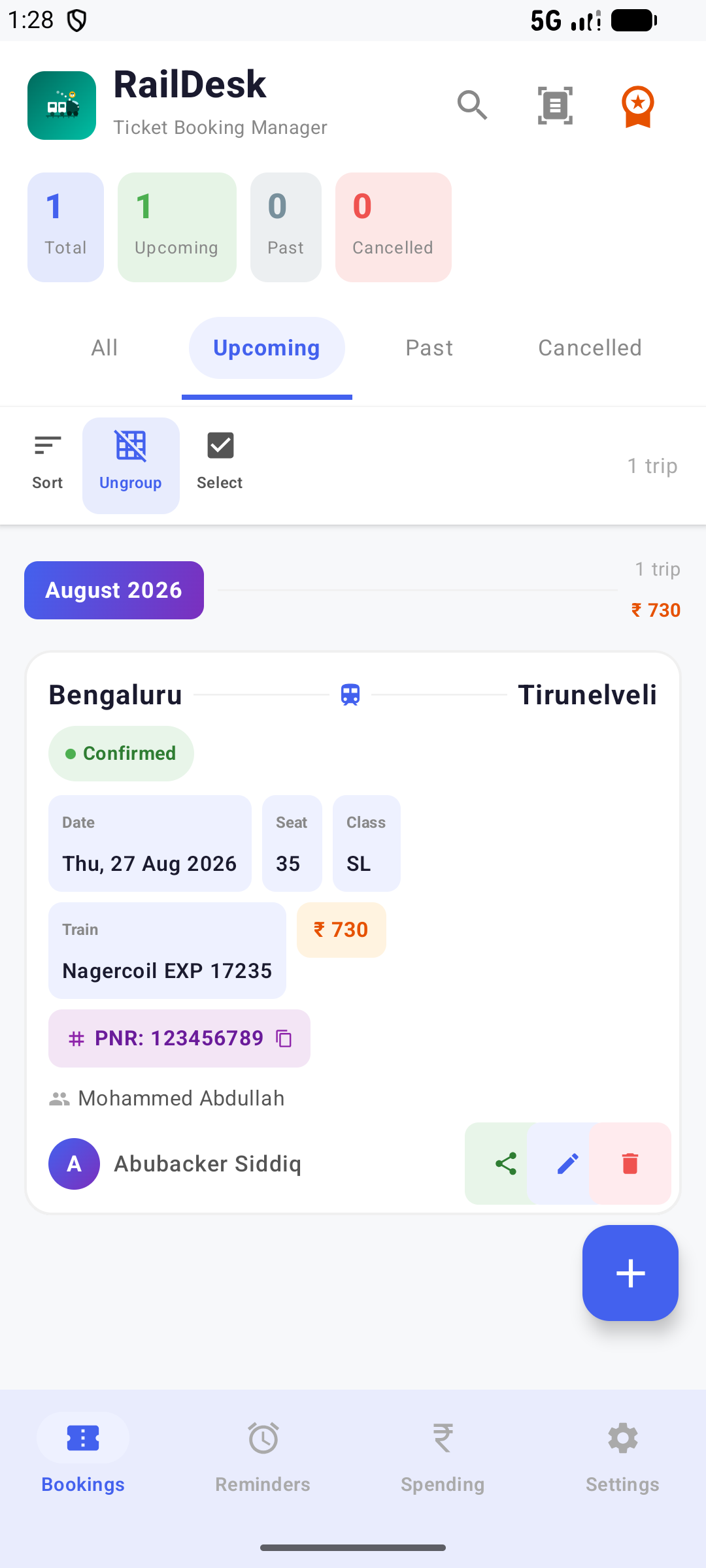
PNR, train name & number, class, seat, co-passengers, fare, and status — confirmed, waitlisted, or cancelled — all logged per trip.
Save frequent passengers, routes, and trains once, then reuse them for faster entry on every new booking.
Switch between All, Upcoming, Past, and Cancelled tabs; sort by date, city, passenger, or fare; group bookings under month headers.
Share a booking with a fellow traveller who also uses RailDesk, so you're both tracking the same trip.
Point RailDesk at a RailOne app screenshot and on-device ML Kit OCR reads the details for you — always shown as a draft to review before saving.
Home Screen
Drop a RailDesk widget on your home screen to check your next trip without opening the app.
How It Works
Add it manually, or import it straight from a RailOne screenshot — free either way. You review every field before it's saved.
RailDesk schedules the 60-day booking-window alert, a Tatkal-day nudge, and a journey-day alarm automatically — no setup needed.
Watch PNR/waitlist status, check the widget on your home screen, and share the trip with a fellow traveller if you're going together.
At a Glance
Color-coded status pills mirror what you'd see on the official booking site, so your list stays scannable.
Privacy First
No ads. No analytics or trackers. No account needed for the free features. Your booking data stays on your device — Drive backup, if you turn it on, goes to your own private, hidden Drive storage that only RailDesk can access.
Read the full privacy policy →drive.appdata folder — not browsable by you, RailDesk, or any other app except through your own accountRailDesk is live — download it free and start tracking your train bookings today.
 RailDesk